116K的notepad替代者:TED Notepad(多图)
2006-03-28 12:45阅读:
软件版本 : 4.5.1
发行公司 : jsimlo.sk
文件大小 : 146.33 KB
更新日期 : 2006年02月24日
界面语言 : 英文 本类编辑推荐
操作系统 : Win 98,Win NT,Win 2k,Win Me,Win XP,Win 95
软件许可 : 免费软件
注册费用 : 0.00
TED Notepad 4.5.1
完全免费的纯文本编辑工具,是记事本的扩展版本,提供很多特征和快捷工具,容易和高级的编辑。仍旧很小,能在一个软盘或者 USB
盘运行和使用,无需安装。提供很多文字处理功能和工具,很多 热键和剪贴板。你也将发现若干革新的特征。支持所有 ANSI,
UNICODE, UTF-8 和 Unix 文件,几乎无限文件大小。
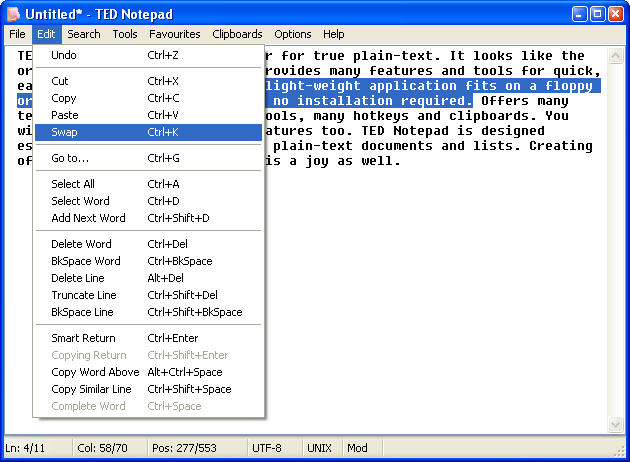
Notepad(多图)' />A lot of commands for an easy work with the
Clipboard, document, words and selections. Beware: the Swap command
is really addictive!
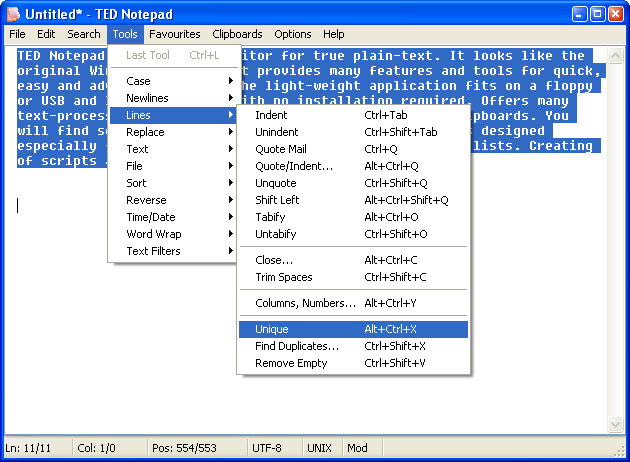
A variety of text tools and the Filters architecture represent an
ultimate text workshop.
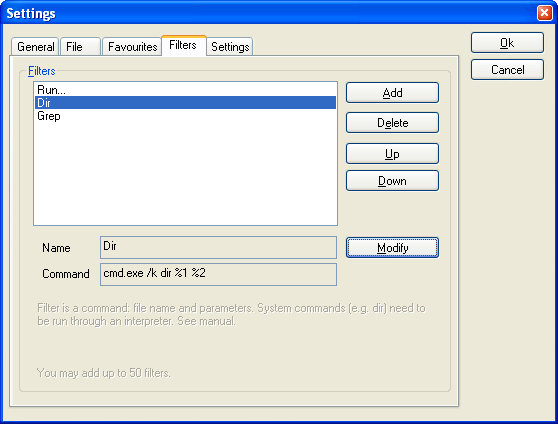
Variable and easy to use Filters architecture: any application or
system command can be used directly from TED Notepad. Use grep,
dir, yourapp.exe or php.exe.
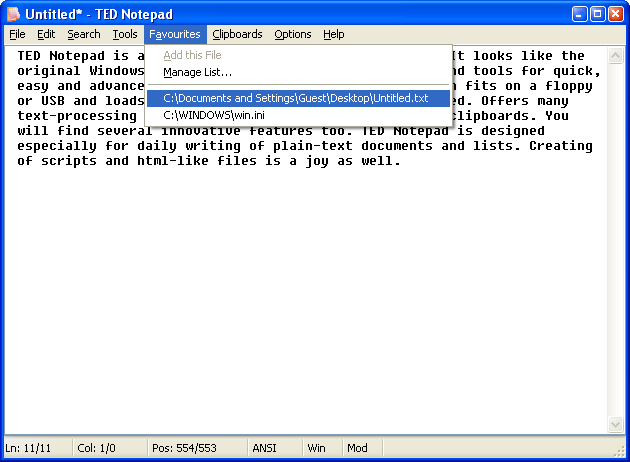
Quickly access your favourite files you use so frequently.

Another set of clipboards. Usable for code snippets, signatures or
frequent cliché.
Translate characters dialog allows to translate some characters to
anothers. Better that Find/Replace All of them one by one.
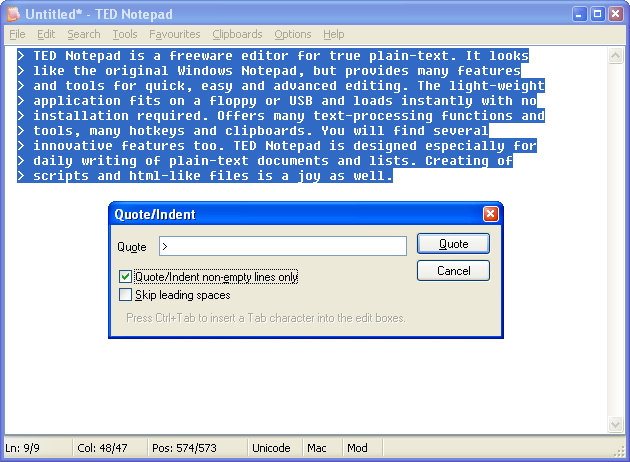
The Close Lines dialog box: You can close lines of your text by any
string, even Tab characters. Or close only non-empty ones.
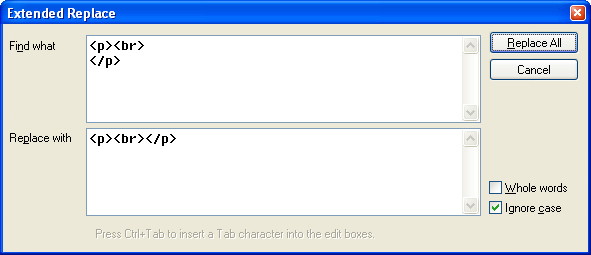
Extended Replace tool allows you to simply replace over multiple
lines ...
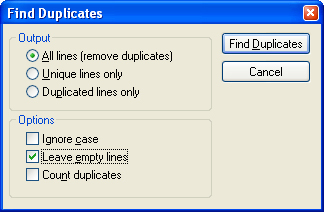
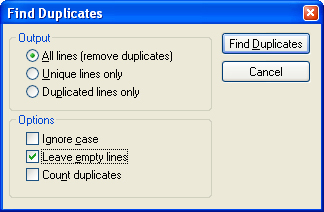
Unique your lines to be sure, that each of them is used just once.
Or maybe turn on the counting and see how many duplicates there
are.
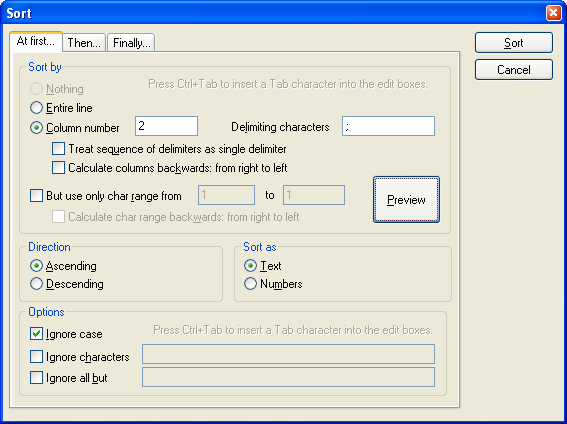
You can sort by anything, can't you?
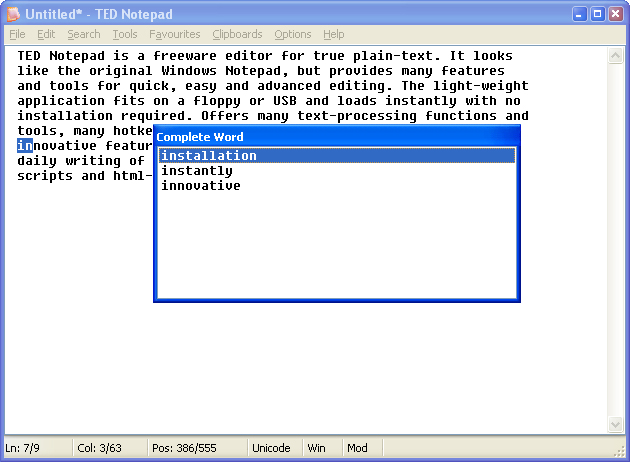
Type the beginning of a word and let TED Notepad to complete it for
you.
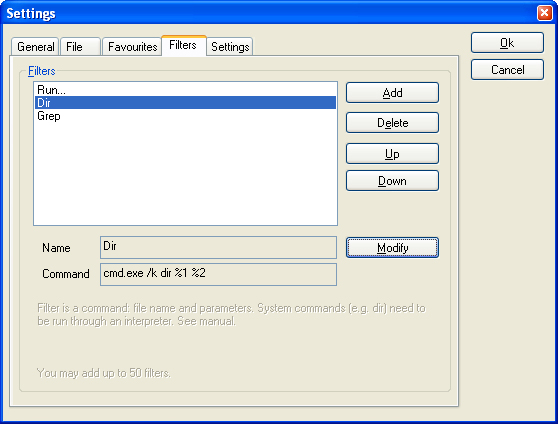
Variable and easy to use Filters architecture: any application or
system command can be used directly from TED Notepad. Use grep,
dir, yourapp.exe or php.exe.
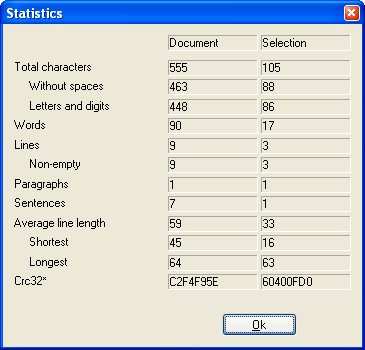
Extensive Statistics dialog shows a lot of informations about the
document and the selection.
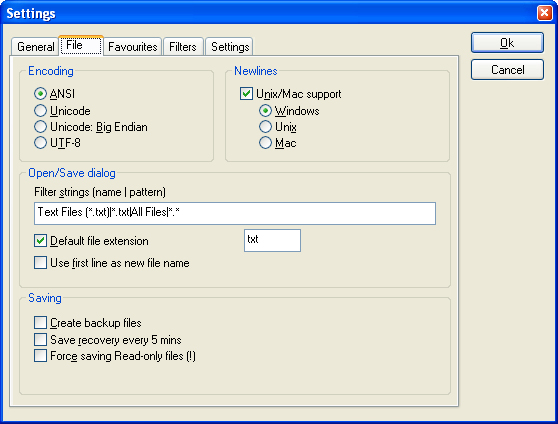
Typing in Chinese Traditional or Korean? Afraid of loosing those
nice graphs? Don't be, 'cos you'll be warned.
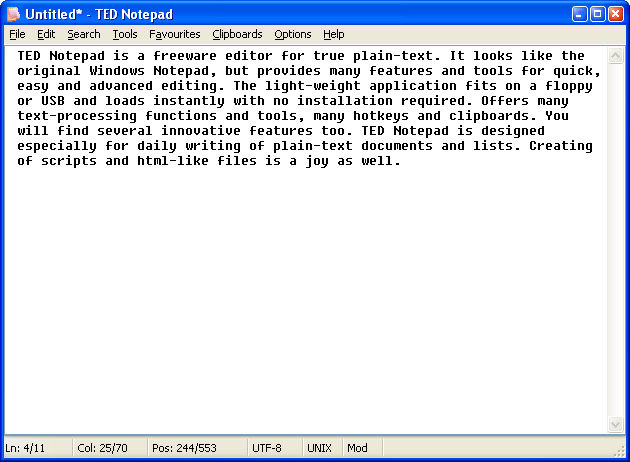
Recently opened files are memorized for quick recollection
...
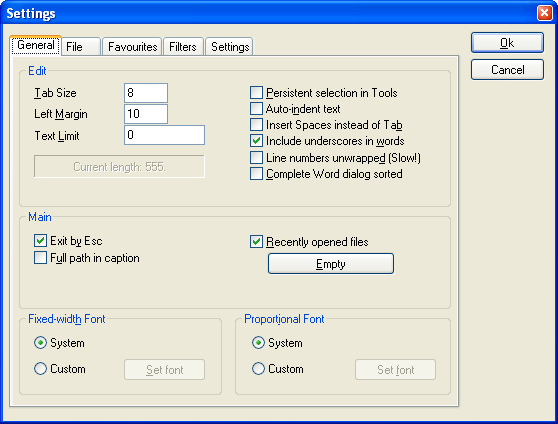
Settings dialog, General page: Here you can specify Text Limit or
Tab Size values, empty recent files or define your custom
fonts.
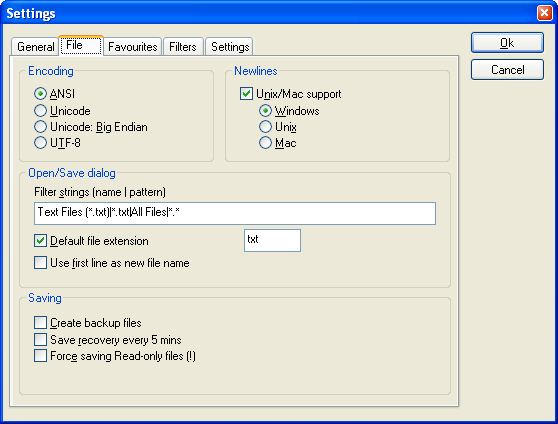
Settings dialog, File page: You can define your own Dialog Filters,
default extension or default file type.
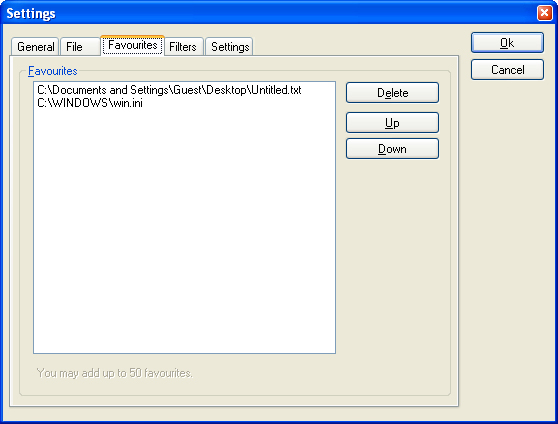
Quickly access your favourite files you use so frequently.
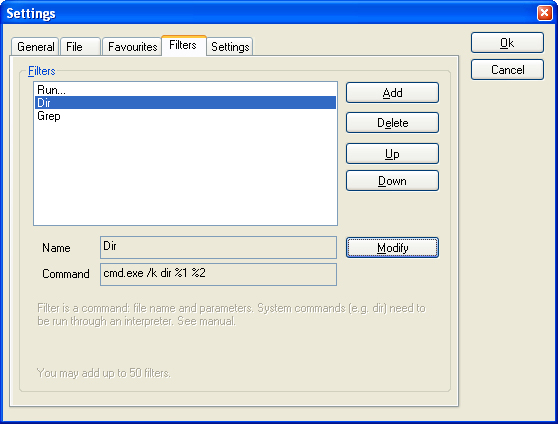
Variable and easy to use Filters architecture: any application or
system command can be used directly from TED Notepad. Use grep,
dir, yourapp.exe or php.exe.
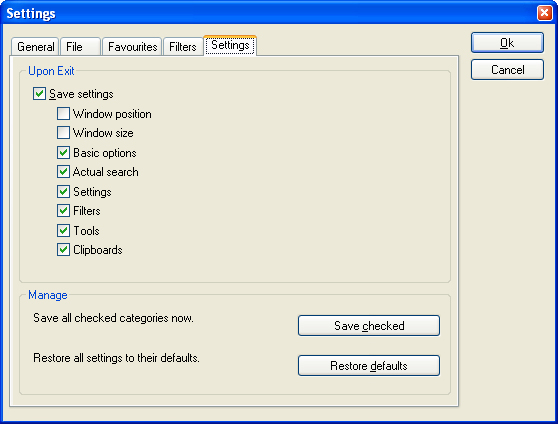
Settings dialog, Settings page: You can define what is to be saved
or restore all settings to their defaults ...


